Recompiled games
for PC.
10 console classics with community PC projects. Find your game, check compatibility, and get the build from its developer.
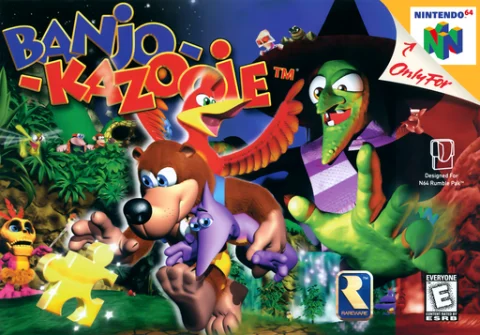
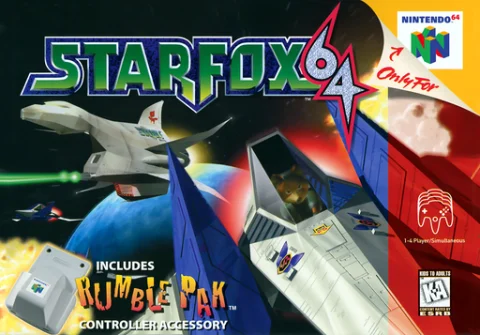
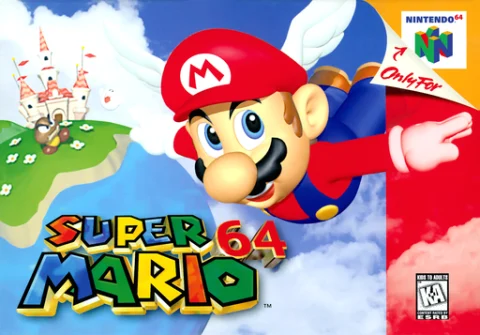
Nintendo 64
Zelda, Mario Kart, Banjo-Kazooie and more.
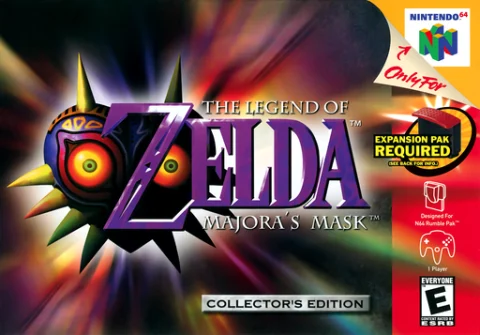
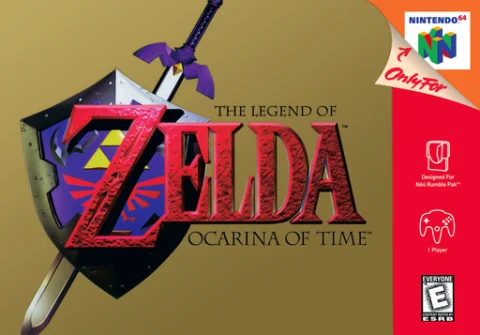
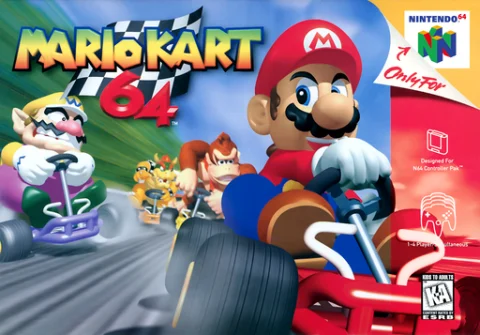 07GAMES
Xbox 360
Recompiled builds from the Xbox 360 era.
 01GAME
PlayStation 2
Community ports of PlayStation 2 classics.
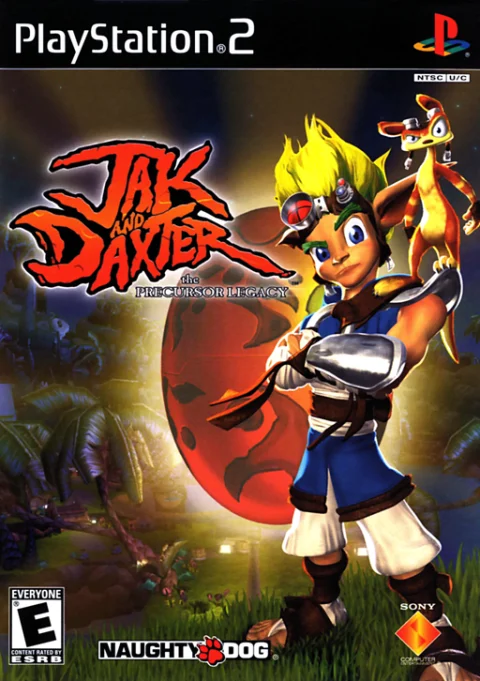 01GAME
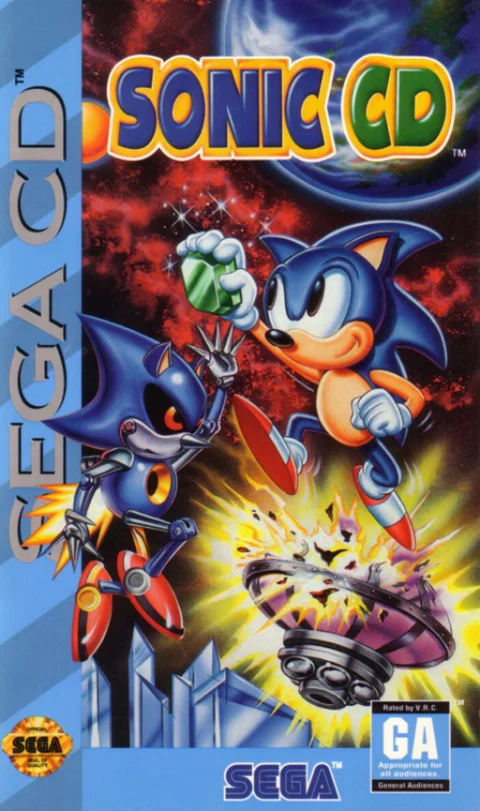
Sega CD
Classic Sega CD titles and their modern ports.
 01GAME
Start here
Nintendo 64 picks
See all N64 games ↗Browse by genre
Full catalog ↗The field guide
What are recompiled games for PC?
Recompiled games for PC start with a community project that takes the program built for an original console and translates it into a form that can run on a modern computer. The translation is part of the work. Developers also have to connect the translated program to the graphics, audio, input, and file systems on the target machine. The finished project may look familiar on screen while using a substantially different set of tools underneath. Some projects use that work to offer higher resolutions, wider aspect ratios, or better controller configuration. The available improvements depend on the project and its current release.
Recompilation, native ports, and emulation
Static recompilation converts existing game code before you play. A native port built from a decompilation can instead start with reconstructed source code and adapt it for modern systems. An emulator recreates the behavior of the console so it can run the original program in that environment. For players, the practical differences show up during setup. A port might need an extractor and an exact revision of the game, while an emulator has its own configuration and compatibility requirements. Both approaches can be useful for different titles. On this site, the project type helps explain how a particular build works and where to find the instructions that apply to it.
Start with the console you remember
Browse recompiled games for PC by original console if you know the version you played. A listing under Nintendo 64 describes where the original release came from. The project itself might run on Windows or Linux. This distinction matters when a game has multiple console releases with the same title. For example, Unleashed Recompiled is based on the Xbox 360 edition of Sonic Unleashed. If you already own a different edition, check the project documentation before assuming its files will work. You can also search by project name, which is handy when the name you saw in a forum or video differs from the game's title.
Which recompiled games for PC work on your system?
Look at the supported systems and then open the upstream release. A repository can publish several files under the same version tag. One might be intended for Windows, another for Linux, and another for a different processor. macOS support can also depend on the architecture of your Mac. On a Steam Deck, a native Linux build and a Windows build run through Proton involve different setup steps. Check for a guide that explicitly covers your device. Where the directory lists support from the author, use it as a starting point and read the release notes for changes that affect your particular setup.
Prepare the original game data
Most projects in this directory expect files from a copy of the original game. Depending on the project, that could be a ROM image, a disc image, or an asset file from a supported release. A specific region or revision may be required, even when two copies show the same title on the box. Start with the requirements on the detail page and verify them against the upstream instructions. Download the port from its author and keep your original data available locally. The files are used by the port during setup or at launch. Some projects prompt for an image and extract assets automatically, while others document a folder structure you need to prepare first.
Choose a release and install it
Once you have checked the requirements, open the linked project release and look for the package matching your device. Read the instructions for that version before you unzip files, run an installer, or update an existing setup. A prerelease can include experimental changes, so check whether the maintainers recommend it for regular play. If you already have a working install, check where it stores saves and configuration before replacing any files. When setup fails, compare the expected input revision and folder layout first. Then read the project's troubleshooting documentation or issue tracker. Reporting the operating system, release tag, and the error message helps the maintainers reproduce a problem.
How we verify recompiled games for PC
Each listing connects an original game to a named project and includes links to its developer documentation. A project can have a different update schedule from the original game and from other ports of the same title. When multiple projects cover one game, compare their setup requirements and supported platforms before choosing. The source links are also the best place to check for recent releases and changes. Our compatibility notes distinguish information described by the project from any hands-on testing. A system with no note may still be mentioned in newer upstream documentation.
If a listing is missing or a guide has moved, use the submission form to send the game title and a link to the project. Including a release or setup guide makes it easier to review the entry and understand what a player will need. The directory links to the port and its documentation, and each developer remains the source for their own downloads. Choose a game above to see where to start.